
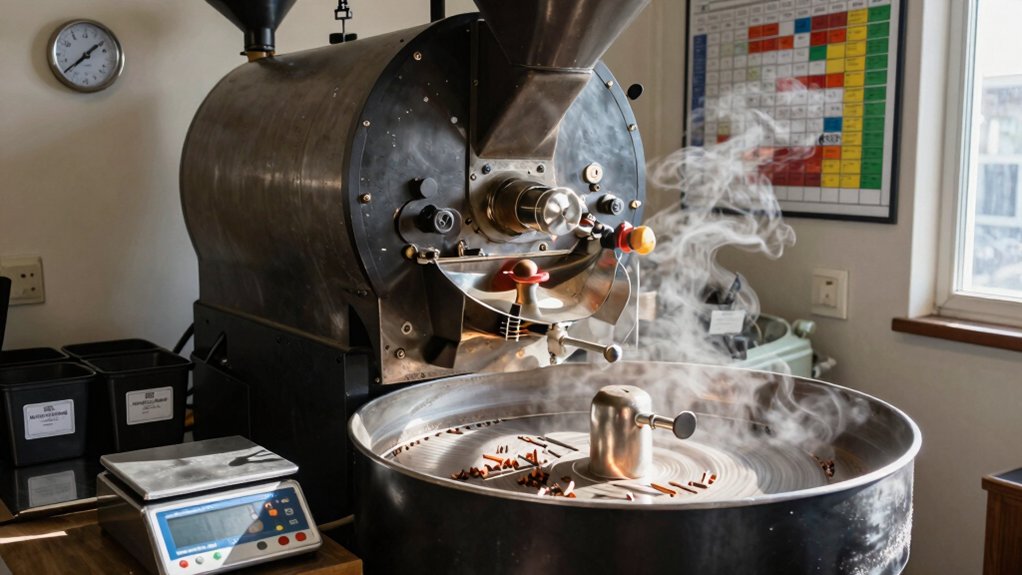
You keep batch‑size consistency by matching green‑bean density, moisture, and size to roughly 50‑70 % of your roaster’s nominal capacity, then adjusting charge temperature, burner output, and airflow accordingly. A steady batch locks in heat transfer, drum contact, and fuel settings, while a strict between‑batch protocol resets the thermal baseline. Monitoring roast‑curve flatness, weight loss, moisture, and color after each load verifies uniform development. Keep reading to discover the exact steps for fine‑tuning each variable.
Ideal Batch Size for Consistent Roast Development – The Quick Answer
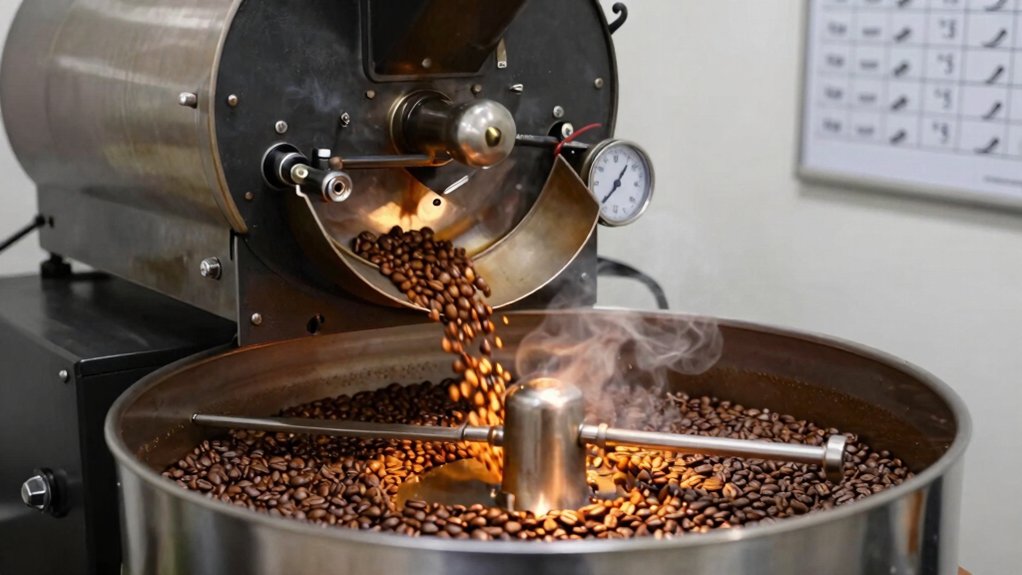
What’s the ideal batch size for a consistent roast?
You’ll find that a steady batch size locks in heat transfer, charge temperature, and fuel settings, so each roast repeats the same flavor profile. At Mill City Roastery, the sweet spot sits at 30 lb of green beans, yielding about 25 lb of roasted coffee. That medium batch balances drum capacity and airflow, minimizing waste and inventory swings while feeding five‑pound wholesale bags. When you need to cover subscriptions, roast two bags at once; when orders dip, combine smaller loads without breaking the batch size rule. By planning backward from the target roast time, you lock in the correct load weight, keep flavor development uniform, and avoid the guesswork that trips up inconsistent batches. Batch size consistency supports repeatable heat transfer and extraction dynamics across roasts.
What’s the Real Difference Between Roaster Capacity and Recommended Capacity?
You might think the roaster’s capacity is the size you should always load, but the manufacturer’s maximum is just a ceiling, not the sweet spot for flavor. In practice you’ll aim for 50‑70 % of that rating to keep heat transfer, drum agitation, and roast consistency under control. Hitting the recommended load means you’ll avoid the sluggish rise and uneven exposure that come from over‑loading, while still getting repeatable results. Understanding recommended capacity helps you optimize batch-to-batch consistency for better flavor development brewing consistency and supports a steadier roasting curve across multiple profiles.
Capacity vs. Maximum Load
A roaster’s capacity is the manufacturer’s maximum suggested load, but it isn’t the sweet spot for consistent roasts. You’ll find that most roasters perform best at 50‑70 % of that nominal capacity, while many operators push to 80 % for efficiency. Exceeding the recommended load slows energy transfer, creates uneven heating, and can produce baked flavors. Under‑loading forces you to tweak burner settings, which may destabilize the roast curve. Even roasters with identical capacity ratings behave differently because of heat‑retention construction, material choices, and airflow design. Knowing how heat generation and machine‑specific tendencies interact helps you pinpoint the true optimal batch size for your equipment. A mindful approach to packaging and sustainability details can influence how you source and manage inputs, tools you rely on, and long‑term maintenance for consistent results.
Manufacturer’s Suggested vs. Optimal
Ever wonder why the manufacturer’s “maximum capacity” feels so different from the batch size that actually roasts well? The spec sheet tells you the absolute limit, but real‑world control usually peaks at 50‑70 % of that figure, sometimes stretching to 80 % if you’re comfortable with tighter tolerances. When you push toward the nominal capacity, heat transfer slows, airflow stalls, and the beans can bake instead of develop evenly. Underloading forces you to tweak burner output and airflow just to hit the same first‑crack timing. Because each roaster’s construction, heat retention, and BTU rating differ, the most suitable batch size is machine‑specific. Start with half to three‑quarters of the rated capacity, log the curve, and adjust until you hit a repeatable roast profile. BTU rating
Practical Impact on Roast Quality
Why does a roaster’s rated capacity feel so different from the batch size that actually yields a clean cup? You’ll notice that the manufacturer’s max is a ceiling, not a sweet spot. Operating at 50‑70 % of that rating gives you steady heat, even drum contact, and a predictable rise rate. Push to 80 % and you still keep control, but go beyond and the curve flattens, scorching risk rises, and first‑crack timing drifts. Underloading forces you to tweak burner settings and charge temperature, which can produce uneven development and a “thin” cup. Consistent batch size lets you repeat roast curves and lock in flavor. When a roaster runs on USB-C battery power or multiple internal batteries, the reliability of heat delivery becomes part of maintaining a steady roast curve. Cup stability can live in the balance between batch size and heat input.
Why Loading About 80 % of Nominal Capacity Is the Sweet Spot?
Do you ever wonder why roasters settle on roughly 80 % of their nominal capacity? You’ll find that loading a batch at this level gives you a sweet spot where heat transfer stays even, development stays predictable, and flavor stays bright. The roaster’s burner can deliver enough energy per bean without choking the airflow, and you avoid the sluggish rise rates that cause baked notes. Stainless steel durability in equipment supports consistent temperature control and long-term reliability for repeatable roasts durability
What Happens When You Overload a Coffee Roaster’s Batch Size?
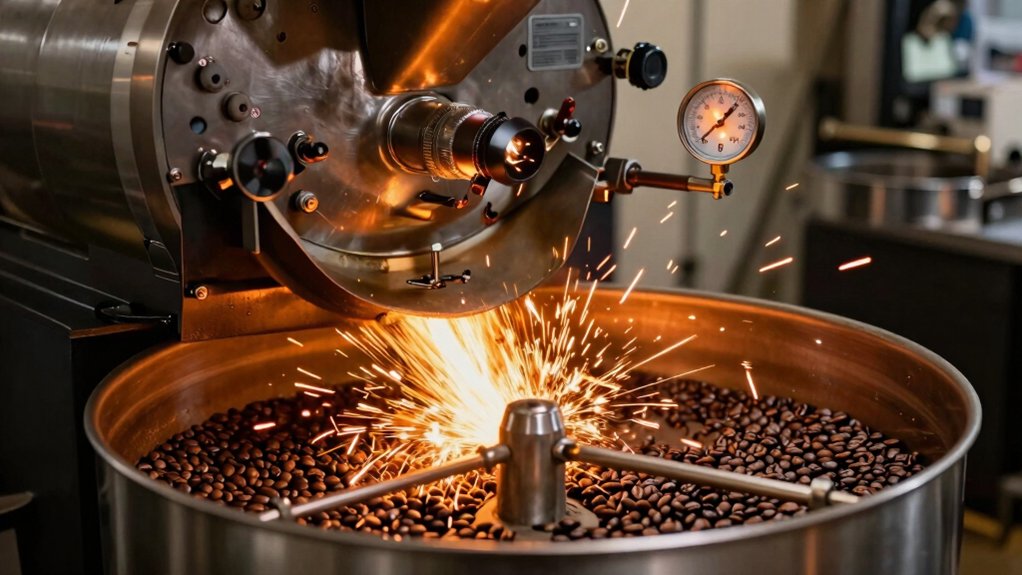
When you cram too many beans into a roaster, the energy each bean receives drops, slowing the rate of rise and stretching the development time. The overload creates a sluggish drum, so heat transfer becomes uneven and beans sit too long against the walls, risking scorch patches. You’ll notice a flatter, baked flavor because the first crack arrives later or not at all. Acceleration drops, and the roast curve loses its tight shape, making batch‑to‑batch consistency a nightmare. This can also lead to more variability in aroma and sweetness across similar batches, challenging any standardized roast profile for consistent results. Roast Curve
Impact of Underloading on Heat Transfer, Airflow, and Bean‑Probe Readings
Overloading a roaster stretches the roast curve, but underloading flips the problem: a tiny charge changes how heat, airflow, and the bean probe behave. When you run a small batch, the drum’s heat transfers faster because there’s less mass to absorb energy, so you must dial back burner settings or risk scorching. Airflow efficiency drops, and beans can be pulled toward the exhaust, leading to uneven development and a misread probe. Slower drum speed lets beans bounce out, further destabilizing the roast. To keep control, you’ll need to recalibrate parameters for the reduced charge.
- Reduce burner output to match lower heat capacity
- Increase fan speed to compensate for weak airflow
- Adjust drum speed to keep beans in contact with hot surfaces
- Re‑zero the bean probe for accurate temperature readings
- Monitor exhaust pull and prevent bean loss through the vent
Which Green‑Bean Traits Change the Ideal Batch Size?
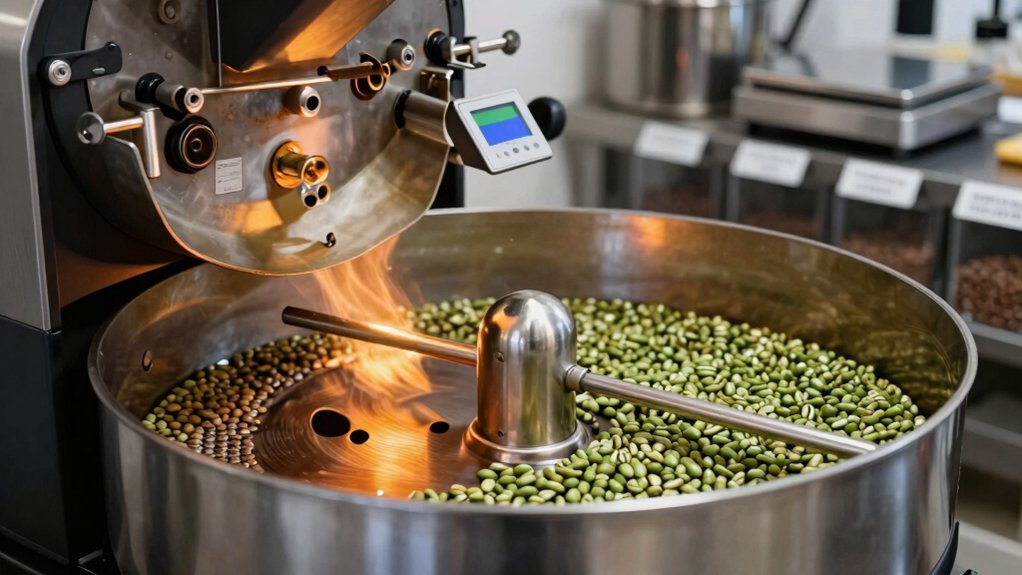
You’ll notice that denser beans absorb heat more slowly, so you often need a smaller batch or higher charge temperature to hit the same development curve.
Moisture adds another layer—moister beans demand extra energy, which can shift the ideal batch size upward if you don’t adjust heat input.
Bean Density
Bean density, a key green‑bean trait, directly shapes the ideal batch size because it governs how quickly heat penetrates the beans during roasting. When you work with heavier‑density beans, heat moves slower, so you’ll need smaller batches to hit the same roast curve and first‑crack timing. Lighter‑density beans absorb heat faster, letting you push larger batches without overshooting. Ignoring density differences can flatten your curves, even if you keep nominal batch sizes constant. Use test roasts to calibrate energy input for each density level, then adjust your batch size to keep development time steady.
- Heavier beans → slower heat transfer → smaller batch
- Lighter beans → faster heat transfer → larger batch
- Density interacts with bean size and humidity to shape RoR
- Sample roasts reveal the energy needed for each density tier
- Consistent curves depend on matching batch size to bean density
Moisture Content
How does moisture affect your batch size? When your green beans carry high moisture content, they absorb more energy and need extra heat and time to hit development. That extra demand forces you to shrink the batch to keep temperature control tight and avoid uneven first‑crack timing.
Conversely, drier beans transfer heat faster, letting you run larger batches without sacrificing consistency. You’ll notice density and size variations amplify this effect, so you must adjust batch size whenever moisture content shifts.
Conduct sample roasts to gauge the exact energy requirement for each lot; consistent moisture profiles then let you lock in stable batch sizes and repeatable roast curves across shipments.
How to Calculate the Right Batch Weight for Your Roaster and Fuel Source?
Understanding your roaster’s heat output and fuel type is the first step to nailing the right batch weight. You’ll want to align the bean mass with the energy your machine can deliver while keeping the roast data consistent. Start by gathering baseline and turning‑point data, then adjust for green‑bean density, humidity, and size. Compare your results across programs, because each roaster’s gas‑off behavior shifts the optimal weight. Finally, lock in a steady batch size to preserve first‑crack timing and RoR patterns.
- Measure BTU output and match it to desired development time.
- Record turning‑point temperatures for each batch size.
- Factor green‑bean density and moisture into energy calculations.
- Use machine‑specific BBP templates for adjustments.
- Validate with repeatable roast data before finalizing.
How BTU Rating and Heat Retention Influence Batch‑Size Decisions?
Ever wondered why the same roaster can handle different loads on different days? Your roaster’s BTU rating tells you how much heat it can generate per hour, and that directly caps the batch size you can push through without stalling the development curve. Higher BTUs let you crank beans faster, but if the drum or housing retains heat poorly, the temperature will dip as the load grows, forcing you to trim the batch.
Conversely, a high‑retention build stores energy, smoothing out spikes and allowing a larger charge even with modest BTU output. Assess the material, insulation, and fuel source to see how much usable heat stays in the system.
Matching BTU capacity with heat retention ensures each batch reaches the target roast profile consistently.
How to Adjust Charge Temperature, Burner Settings, and Airflow for Smaller Batches?
Why do smaller batches feel slower and less stable? Because less mass reduces heat transfer, so you must tweak charge temperature, burner output, and airflow to keep the roast curve on track. Start with your baseline charge temperature, then lower it a few degrees to avoid overshooting. Reduce burner BTU to match the smaller load, and dial back airflow to keep beans from being pulled out of the drum. Watch the bean probe—if it’s not fully immersed, rely on time‑based cues instead.
- Lower charge temperature by 3‑5 °C
- Decrease burner setting proportionally to batch size
- Cut airflow to prevent bean loss
- Slow drum speed slightly for better agitation
- Monitor first‑crack timing and adjust on the fly
How Do You Use a Between‑Batch Protocol for Batch‑Size Consistency?
Smaller batches lose heat faster, so after each roast you need a between‑batch protocol (BBP) to bring the machine back to a neutral thermal state before the next load. You start by turning the gas off or throttling it low, then run an empty‑roaster cycle while monitoring drum temperature via bean temperature as a proxy. Adjust the cooling time based on your roaster’s variability—Loring units, for example, may need a two‑cycle pattern because they limit gas‑off. Apply the BBP template that matches your equipment, then tweak the air‑temperature drop to suit the specific batch size you’re targeting. Consistently resetting the thermal baseline keeps each roast’s heat profile comparable, preserving batch‑size consistency.
| Step | Action |
|---|---|
| 1 | Gas‑off or low‑gas during BBP |
| 2 | Empty‑roaster air‑temperature change |
| 3 | Monitor drum temperature (bean proxy) |
How to Monitor Roast‑Curve Flatness After Adjusting Batch Size?
You’ll notice a flatter temperature curve when the batch out outpaces your current heat input, so watch the early rise for signs of insufficient power.
Keep an eye on first‑crack timing shifts, because a delayed crack often means the curve has lost its usual steepness.
After tweaking the heat, compare the new curve to your target profile to confirm you’ve restored the desired flatness and consistency.
Temperature Curve Flatness
How do you tell if your roast curve has flattened after tweaking batch size? You’ll notice a gentle slope on the bean temperature graph, signaling a lower Rate of Rise (RoR). To keep your roast profile on point, compare fixed‑time temperature readings across batches. If the line stays flat, boost early power or trim batch size to steepen the RoR before first crack. Baseline sample roasts let you see how each size shifts the trajectory, while consistent batch volumes give a stable RoR for easy comparison.
- Record bean temperature at 30‑second intervals.
- Plot the data and look for a prolonged, shallow slope.
- Check if first‑crack timing drifts while the curve stays flat.
- Adjust charge temperature or fuel to restore the desired RoR.
- Repeat with a reusable sample to confirm the new roast profile.
First‑Crack Timing Shifts
After you’ve confirmed the curve’s flatness, the next cue to watch is when first crack actually occurs. You’ll notice that smaller batches hit first crack timing earlier because heat transfer stays strong, while larger batches push it back. Keep batch size constant across runs; the first crack timing will stay tight, giving you a reliable diagnostic for charge temperature and fuel tweaks. Record each roast’s first crack point and compare it to your baseline profile—bean‑driven inlet temperature should lock the timing in place, even when minor RoR noise appears.
| Batch | Avg. First‑Crack (s) | Deviation (s) |
|---|---|---|
| Small | 180 | ±2 |
| Medium | 190 | ±3 |
| Large | 205 | ±4 |
Adjusted Heat‑Input Impact
Why does adjusting heat input matter when you change batch size? Because heat transfer shifts, and the Roast Time curve can tilt or flatten if you don’t compensate. After you alter the load, watch the first‑crack timing, RoR stability, and bean‑temperature turning points.
Compare ten back‑to‑back batches, letting bean temperature dip below charge temperature between runs for a clean reset. A flat curve shows reduced RoR variability, minimal temperature differences at fixed times, and consistent post‑roast metrics.
- Record first‑crack onset for each batch.
- Log RoR at every 30‑second interval.
- Measure bean temperature at key Roast Time milestones.
- Verify charge‑temperature and burner settings.
- Analyze post‑roast consistency across the series.
How to Evaluate Post‑Roast Metrics for Batch‑Size Consistency?
Wondering whether your batches truly match, start by comparing the key post‑roast numbers: weight loss, moisture content, color, and density. Measure each batch’s weight loss; a 0.25% spread is acceptable, so a range from 12.0% to 12.13% signals tight control. Record moisture; a 0.1% difference confirms repeatable drying. Capture color with a calibrated spectrometer—small shifts are normal, but large deviations hint at uneven development. Determine bulk density; consistent values reinforce uniform bean expansion. Cross‑check these metrics against Roest test data; alignment shows disciplined batch‑size control. Finally, log bean temperature and RoR trends; stable first‑crack timing and peak RoR support the same post‑roast profile across batches, confirming size consistency.
How to Standardize Batch Size Across Multiple Roasters for Consistent Profiles?
By comparing weight loss, moisture, color, and density you’ve already seen how post‑roast metrics reveal batch‑size consistency; now you need to align those metrics across different machines. Start by defining a reference batch size for each roaster that hits 50‑70 % of its nominal capacity, then adjust green‑bean weight until the roast curve, charge temperature, and fuel setting match your target profile. Use a small set of baseline roasts to map energy input to green weight, then apply those ratios uniformly across all units. Track the resulting roasted weight and density to confirm that each machine delivers the same profile.
- Record green weight and roasted yield for each roaster
- Set charge temperature based on the reference batch size
- Adjust fuel flow to keep heat input proportional to batch size
- Verify post‑roast moisture and color fall within tight tolerances
- Document deviations and recalibrate batch size as needed
Frequently Asked Questions
How Does Ambient Humidity Affect Batch‑Size Consistency?
You’ll notice humidity changes the bean moisture, so the same heat causes uneven expansion, leading to weight fluctuations and inconsistent batch size. Keep humidity stable, or adjust airflow and temperature to compensate.
Can Different Bean Origins Require Distinct Batch Sizes?
Yes, you’ll need different batch sizes for distinct origins because each bean’s density, moisture, and flavor development vary; adjusting size lets you hit target roast curves, avoid under‑ or over‑extraction, and maintain consistency.
What Role Does Pre‑Heat Temperature Play in Scaling Batch Size?
You’ll find that higher pre‑heat temperatures let you scale up batch size because they reduce the time beans need to reach roast‑start, keeping energy loss low and maintaining consistent development across larger loads.
How Often Should I Recalibrate My Roaster’s Airflow Sensor?
You should recalibrate the airflow sensor every one to two weeks, or whenever you notice a drift in temperature profiles, to keep batch consistency and prevent under‑ or over‑roasting.
Does Using a Different Drum Speed Alter Optimal Batch Weight?
Yes, changing drum speed shifts the optimal batch weight because it alters heat transfer and bean residence time; you’ll need to adjust the dose to maintain roast consistency and avoid under‑ or over‑development.
In Summary
Stick to about 80 % of your roaster’s nominal capacity, and you’ll keep heat transfer, airflow, and bean‑probe data stable. Overloading throws the curve off, while underloading leaves you with uneven development and wasted energy. Use a between‑batch protocol, monitor flatness, and compare post‑roast metrics to stay consistent. Apply the same batch‑size rules across all machines, and you’ll get repeatable, high‑quality roasts every time.


