
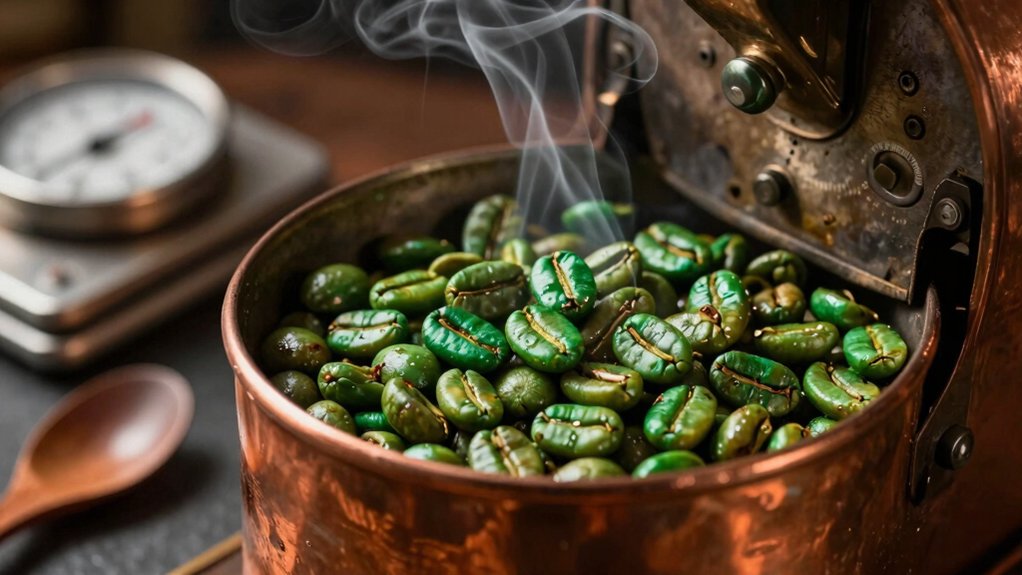
Pick a single, high‑grade origin and match its density and moisture to a calibrated pre‑heat and airflow. Load 300‑750 g into an air roaster, set drum speed, and watch the bean temperature rise, keeping the RoR steady. Listen for the clean first‑crack pop, then adjust power or fan to hit your target development time—short for a bright City, longer for a fuller Full‑City. Cool the beans fast on a metal tray, store them airtight, and you’ll see how each step builds café‑shop quality. Keep going and you’ll discover the finer details.
Choose Green Bean Origins for Your Specialty Roast
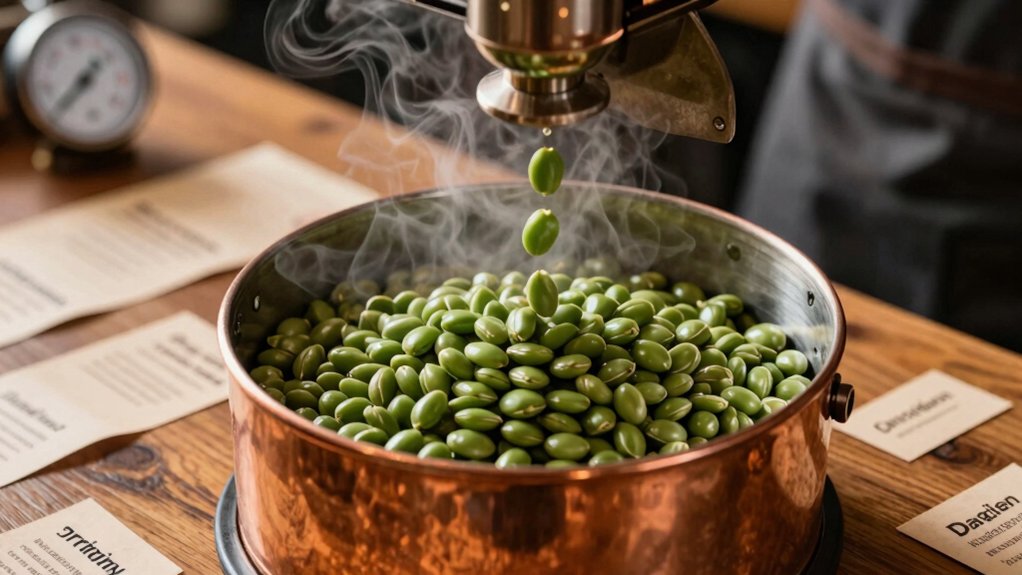
Where does the perfect roast begin? You start with the right green beans, and the origin you pick shapes every flavor note of your specialty coffee. Choose beans from regions known for bright acidity, floral aromatics, or chocolatey depth, depending on the profile you crave. Look for fair‑trade certifications to guarantee ethical sourcing and often higher quality standards. Bulk purchases from reputable vendors let you stock diverse origins, extending shelf life while saving money. Selecting consistent origins can also help you reproduce flavor profiles batch after batch quality control. Experiment with Ethiopian Yirgacheffe for citrus sparkle, Colombian Supremo for balanced sweetness, or Guatemalan Antigua for smoky richness. By matching the bean’s origin to your roast goals, you set the stage for a nuanced cup that stands out in any specialty coffee lineup.
Understand Bean Density & Moisture Impact on Development
Ever wondered why some beans crack later than others? You’ll notice that bean density dictates how quickly heat moves through the core, so denser beans demand more heat and longer development time to hit the same Maillard stage as lighter ones. Moisture content adds another layer: high moisture speeds the early temperature rise, raising scorching risk if you don’t moderate heat transfer. When you roast a dense Arabica versus a lighter Robusta, expect the first crack to shift later and the overall development time to stretch. Adjust the above‑heat phase to give dense beans room to expand evenly, and tweak the profile for each bean’s moisture‑density combo. This fine‑tuning ensures consistent flavor and avoids under‑ or over‑development. Heat resistance considerations can help guide your roasting profile balance for durable, well-developed beans.
Set Pre‑heat Temperature & Airflow Baseline for Consistency
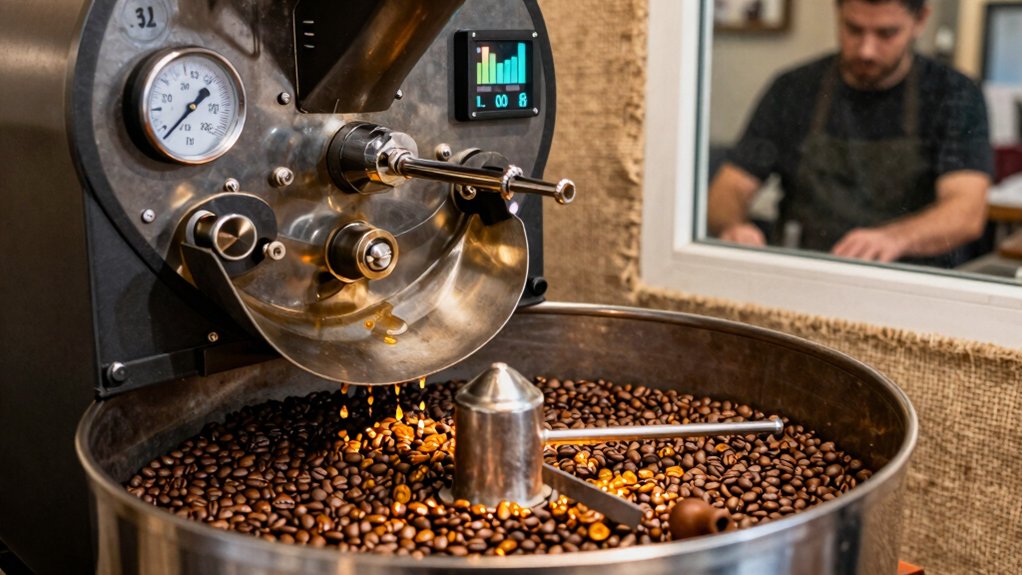
You’ll set a pre‑heat target that matches your roaster’s size and the batch’s density, then calibrate airflow so heat transfers evenly without blowing beans out too early. As you charge the beans, adjust the airflow gradually, keeping the first crack audible and the chamber free of excess chaff. Finally, log the bean temperature and rate of rise each run to confirm the baseline stays consistent. Documenting the material quality, such as borosilicate glass durability, helps you anticipate how heat and temperature will affect the roast profile and repeatability borosilicate glass durability.
Pre‑heat Target Temperature
How can you nail a consistent roast? Set a preheat temperature that matches your bean density and desired roast profile. Too high a preheat can scorch the outer beans, while too low delays development and throws off first crack timing. Start with a baseline airflow that fits your batch size—lower at charge, then raise it as beans darken to keep heat transfer even. For dense greens, aim at the higher end of the recommended range to guarantee enough internal heat during development. Track bean temperature right after charging and tweak power to avoid spikes or lag. Record the preheat temperature and initial airflow each run to build a repeatable roast profile. Filter compatibility with AeroPress filters can influence taste even in roasting considerations by shaping how oils and sediments behave in early tasting notes.
Airflow Calibration Method
Are you ready to lock in a repeatable roast? Start by pre‑heating to the temperature your roaster normally uses for the intended load, then set the airflow baseline low. This prevents early outside‑charring before BT (bean temperature) reaches development zones. As the roast moves forward, raise airflow in small steps to keep heat transfer even, but avoid overshooting during the Maillard stage, which could drop the RoR (rate of rise) and cool the bean core. For denser beans or larger batches, begin with a slightly higher airflow and a longer preheat to guarantee uniform bean movement. Keep the chaff filter clean; clogs skew effective airflow and ruin consistency 100-Gallon Life.
Consistency Monitoring Routine
Why not start every roast by locking in a reproducible pre‑heat temperature and airflow baseline? You’ll hit your target bean temperature faster, keep roast pace steady, and let RoR (rate of rise) become a reliable guide. A solid baseline also makes roast consistency easier to achieve across batches.
- Preheat to a fixed temperature, then charge beans and hold until bean temperature hits the first milestone.
- Start the fan low; increase it gradually as the beans darken to balance heat transfer.
- Keep drum speed constant for the batch size to ensure even heat distribution.
- Track bean temperature, RoR, and color cues together, and record every adjustment for repeatable results.
- Establish a clear baseline by documenting the exact equipment setup and environmental conditions to reduce variability baseline documentation.
Pick the Right Roasting Equipment for Even Heat
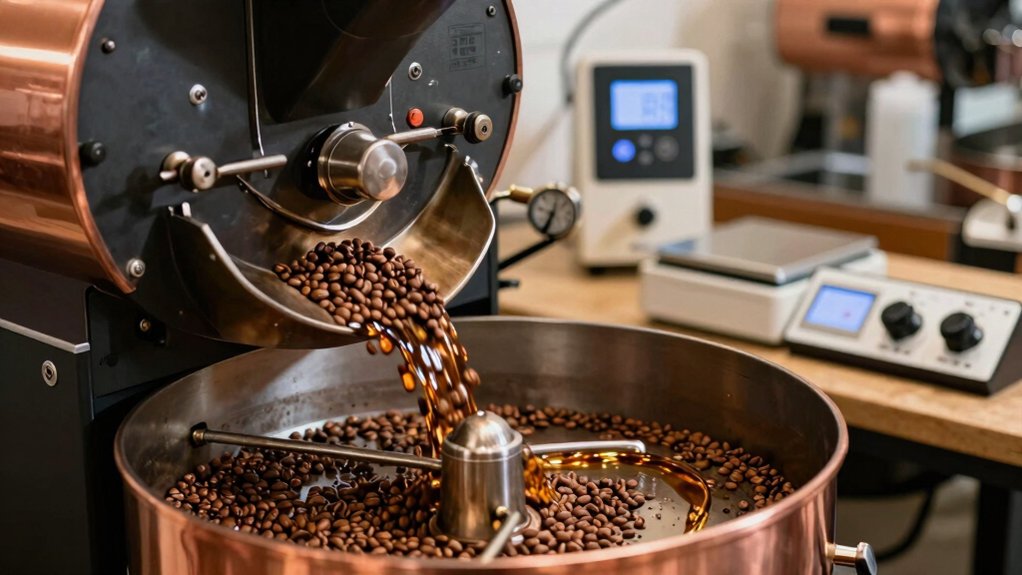
You’ll want equipment that spreads heat evenly, so every bean reaches the same temperature. A consistent airflow lets you fine‑tune the roast without hot spots, and choosing a machine with the right batch capacity lets you scale up without sacrificing control. Start with an air roaster for reliable results, then upgrade as your needs grow, while keeping in mind filtration standards.
Uniform Heat Distribution
Ever wondered why some roasts come out perfectly balanced while others develop scorching spots? You can nail uniform heat distribution by matching equipment to batch size and controlling airflow. A drum roaster spreads heat across a rotating cylinder, so larger batches stay even, while an air roaster’s gentle stream works best for small batches. Keep the drum speed up—think higher RPM like d8—to smooth temperature gradients and trigger a consistent first crack. Adjust batch size so the probe sits in the middle of the bean cloud, avoiding skewed readings. Even a DIY popcorn popper with a long tube and steady stirring can mimic professional heat flow.
- Choose drum roaster for large batches
- Use air roaster for small batches
- Increase drum RPM for tighter heat control
- Match batch size to probe placement filters and filtration
Consistent Airflow Management
How can you keep every bean heating evenly? Choose a drum roasting system that offers fine‑tuned airflow control and stick to a consistent batch size—around 600–750 g for most drum roasters. Start with a low fan speed to avoid scorching, then raise it as the beans darken to keep heat uniform. Clean the chaff filter and air path after each roast; a clogged filter spikes airflow resistance and ruins batch consistency. Listen for uneven crack patterns and adjust the fan before checking temperature.
| Phase | Fan Speed | Action |
|---|---|---|
| Start | Low | Prevent scorching |
| Mid‑roast | Medium‑high | Maintain uniform heat |
| End | Adjust as needed | Correct any color variance |
Scalable Batch Capacity
Choosing the right roaster is the foundation for scalable batch capacity, because drum size, speed, and airflow dictate how evenly heat reaches each bean. You’ll notice that a 1 kg drum performs best with 600–750 g loads; smaller batches scorch if preheat stays too high, while larger loads lag in first crack. Tune drum speed and airflow to match batch size, aiming for steady probe readings that reflect consistent heat transfer. Adjust development time—MAI and DT—so larger batches receive the extra energy they need without over‑cooking smaller ones.
- Match drum volume to 300–750 g mid‑range batches for reliable probe readings.
- Increase drum speed for larger batches to maintain heat transfer.
- Fine‑tune airflow to avoid uneven development across batch sizes.
- Extend development time for big loads to preserve flavor balance.
Master the First Crack: Sound, Color & Timing Cues
What makes the first crack such a reliable guide is its unmistakable pop—like popcorn exploding in a hot pan—signaling that the beans have expanded, shed moisture, and are entering the Maillard stage. You’ll hear the audible cues as a rapid series of pops that intensify and then settle; that moment marks the start of color development, where the beans shift from a pale, drying hue to a rich, golden‑brown. Pay close attention to roast timing: lighter roasts often stop just after the initial pops, while a slightly longer stay can deepen the caramelization for fuller bodies. Recording the sound helps you differentiate a clean first crack from any overlap with second crack, ensuring you hit the exact point you need for your target profile.
Control Development Time for Desired Roast Level (City‑Full City)
Ever wondered how to fine‑tune the development time after first crack to hit a perfect City or Full City roast? You control DT by watching bean color, listening for the end of the Maillard stage, and smelling the evolving aroma. A shorter DT keeps acidity bright for a City roast, while extending a bit into MAI builds body and complexity for Full City. Trust the cues, not just the clock, and you’ll hit the target roast level consistently.
Fine‑tune development time via color, crack, and aroma to consistently achieve City or Full City roasts.
- Watch the beans turn from light brown to a deep, caramel hue.
- Listen for the crackling to soften, indicating MAI is ending.
- Sniff for nutty, chocolate notes that signal readiness.
- Adjust DT by a few seconds to fine‑tune the City to Full City profile.
Monitor Real‑Time Temp & ROR to Fine‑Tune Heat
How do you keep heat in check while the beans roast? Watch BT rise per minute and track ROR trends. A steep early ROR tells you the drum is getting aggressive heat; when ROR flattens or dips, dial back power or tweak airflow before you hit a baked note. Use the turning point as a cue—higher TP temps shorten FC and shift DT, so you can align the crack timing with your flavor goal. Remember that BT probes read air‑heated beans, not exact core temps, so focus on the pattern, not the exact number. Adjust P‑level and fan speed in real time to keep ROR steady, ensuring FC lands where you want DT to develop.
Adjust Fan Speed & Drum Rotation for Uniform Roast
You’ll want to fine‑tune the fan speed so the beans stay hot enough early on, then raise it later to control development.
Keep the drum rotating consistently to move the beans and prevent scorching, especially during the first crack.
Balancing airflow and rotation gives you an even roast and reliable timing.
Fan Speed Optimization
What role does airflow play in a uniform roast? Higher fan speeds pull heat out of the chamber, lowering bean temperature, so you start with a low setting and raise it as the beans darken. You’ll notice that early in the roast, too much airflow roasts the outer beans faster than the core and blows out heat, creating uneven development. Adjust the fan speed in step with batch size to keep heat transfer steady and prevent chaff from choking the airflow. Pair the right fan speed with proper bean rotation; insufficient rotation scorches, while excessive movement cools and disrupts consistency.
- Begin low, increase as beans darken
- Match fan speed to batch size
- Monitor airflow to avoid chaff buildup
- Sync fan speed with bean rotation for even heat transfer
Drum Rotation Consistency
Ever wondered why a slight tweak in drum speed can make or difference between a flat batch and a perfectly even roast? You’ll find that drum rotation directly shapes consistency, and a steady spin keeps bean temperature uniform throughout the roast profile. When you raise fan speed, the chamber cools, so you may need to bump drum rotation a notch to avoid cold spots.
Larger batches demand higher drum speed to preserve even heat transfer and prevent scorching. Keep the beans moving by mixing halfway; this prevents them from sticking to the drum wall and stabilizes temperature. Monitor the BT probe closely—its readings shift with drum speed and airflow, so adjust both variables together to lock in a reliable, repeatable roast profile.
Cool Beans Quickly After Roast to Lock Aromatics
Why rush the cooling? You need to stop Maillard reactions the, preserving the fresh aromatics that define a great roast. A quick cooling step brings beans to ambient temperature within minutes, preventing over‑development and off‑flavors. Use a cooling tray or fan‑assisted spread‑out method for even, rapid temperature drop. After the beans reach room temperature, give them a brief rest before grinding; this lets volatile compounds settle for suitable aroma intensity. Store the cooled beans in an airtight container away from light to keep those precious aromatics intact.
- Spread beans thinly on a metal tray for maximum airflow.
- Position a small kitchen fan to circulate air evenly.
- Monitor temperature; aim for ambient within 5‑7 minutes.
- Avoid stacking or covering beans while they cool.
Store Roasted Beans Properly for Flavor Preservation
How can you keep your roasted beans tasting fresh? Store them in airtight containers right after a short outgassing period—let the beans breathe for a few hours, then seal. Use glass jars or barrier bags, especially in humid climates, to block moisture and aroma loss. Keep the containers away from sunlight and heat, and a stable room‑temperature spot. Whole beans stay within the freshness window for about two weeks, with peak flavor in the first 7–14 days; grind only when you’re ready to brew. If you have multiple roasts, separate them into different jars to avoid pressure buildup. Remember, ground coffee only lasts a couple of days, so preserve its punch by grinding fresh each time.
Fix Common Problems: Scorching, Under‑development, Oil Buildup
What’s tripping up your roast? You’re likely battling scorching, under‑development, or oil buildup. Scorching comes from excess heat or airflow—especially in tiny batches—so dial down drum temperature, shrink the batch, and keep the drum turning smoothly. Under‑development shows up as a flat aroma and missing sweetness; stretch the MAI phase and finish closer to first crack to coax more sugars. Oil buildup signals over‑development; cool beans quickly and trim heat or development time.
Scorching, under‑development, or oil buildup? Adjust heat, batch size, and timing for balanced, flavorful roasts.
- Lower drum heat and maintain steady rotation to avoid hot spots.
- Extend MAI and finish nearer first crack for fuller flavor.
- Reduce roast duration after first crack, especially on light‑density beans.
- Watch color, aroma, and crack sounds, not just temperature.
Document Each Roast Profile for Replicable Results
When you log every roast detail—bean type, batch size, preheat temperature, and charge time—you create a blueprint that lets you reproduce the same flavor profile time and time.
Capture the green bean temperature (BT), RoR, and end‑of‑crack cues at regular intervals, noting yellowing, DE, MAI, and DT milestones.
Record airflow, drum speed, power settings, and probe placement so you can trace any variation back to its source.
Use a dedicated roast profile spreadsheet to tie target DT and roast degree to expected color, aroma, and taste.
This documentation turns each batch into a data‑rich case study, making replication straightforward and ensuring every roast meets your standards.
Frequently Asked Questions
What Is the Best Way to Roast Beans?
You should control heat precisely, keep the drum moving, watch bean temperature and rate of rise, stop right after first crack for light roasts or near second crack for darker ones, then rest beans.
What Is the #1 Coffee in the World?
You’ll find the world’s #1 coffee varies, but currently Ethiopia’s heirloom Yirgacheffe, processed natural, dominates rankings, scoring 85‑plus points for its bright acidity, complex fruit notes, and silky body.
What Are the 4 Enemies of Coffee?
You face four enemies: mold, moisture, heat, and light. They each spoil beans, cause staling, off‑flavors, and even safety hazards, so you must keep coffee airtight, cool, dry, and dark.
What Coffee Is Best for GERD?
You should choose low‑acid beans, like Brazilian or Sumatra, roast them medium‑dark, brew cold or with a gentle method, skip heavy creams, limit sugar, and keep portions small to ease GERD symptoms.
In Summary
Now you’ve got the tools to roast specialty beans like a pro: pick the right origin, gauge density, set consistent heat and airflow, choose the proper equipment, and listen for that first crack. Cool quickly, store right, and troubleshoot any flaws. Document each batch, and you’ll keep nailing perfect roasts every time.


