

You can cut static by raising room humidity with a humidifier or a bowl of water, and by storing beans in a lightly damp container. Use the Ross Droplet Technique—sprinkle a drop of water per gram of beans right before grinding, or dampen a spoon and stir the beans briefly. Switch to a metal or foil‑lined bin for better grounding, and tap the hopper after each grind to let charge dissipate. Choose fresher, higher‑moisture beans and clean plastic parts regularly; if you keep going, you’ll discover even more tricks.
What Causes Static in a Burr Grinder?
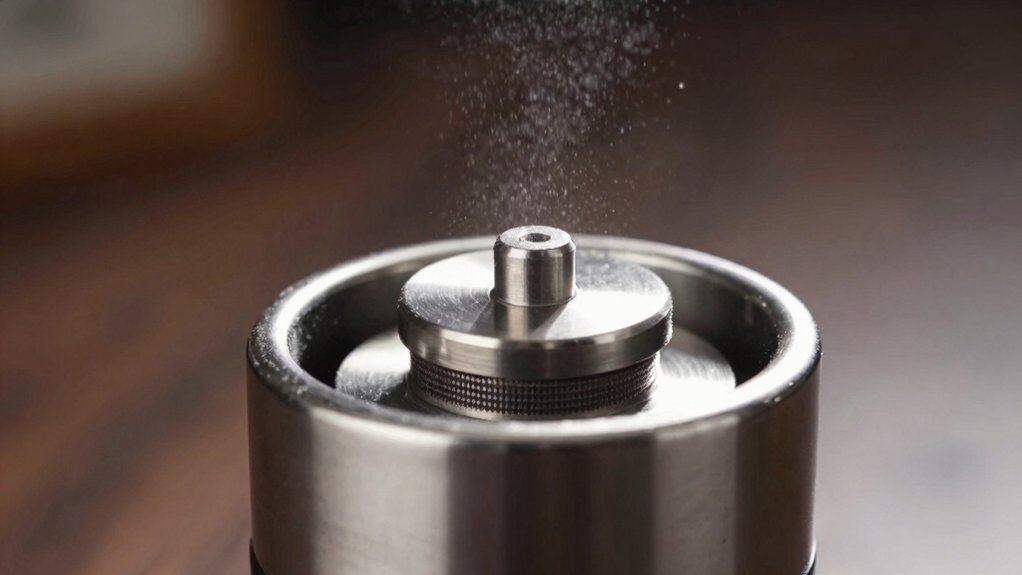
Why does static cling to your coffee grounds? In a burr grinder, beans grind against metal burrs, and the friction generates static electricity that electrifies the particles. The charge makes the grounds stick to the bin walls and even spray out when you empty it. Insulation from plastic parts inside the grinder helps hold the charge longer, while metal chambers can conduct it away, reducing cling. The effect intensifies with darker, drier roasts because low moisture means fewer conductive pathways, so the static stays on the grounds. Cold, low‑humidity environments also boost the charge, making the problem vary by grinder model, bean type, and roast level. Understanding these causes lets you target the right fixes, including using a ATC-equipped refractometer-inspired approach to monitor extraction consistency.
Boost Ambient Humidity to Cut Static
You can raise the room’s moisture level with a small humidifier, and you’ll notice the static on your burr grinder dropping quickly. Additionally, prioritize selecting high-quality organic beans sourced from farms with transparent certifications to ensure consistent freshness and flavor stability USDA Organic. Keeping the beans in a lightly damp storage container adds just enough humidity without wetting them.
These simple steps let the air conduct charge away, so grinding stays smoother and cleaner.
Increase Room Moisture
Ever notice how a dry kitchen makes your coffee grounds cling to the walls of the grinder? Higher humidity floods the air with moisture, letting static charges bleed away instead of sticking to your burr grinder. To boost room moisture, start by placing a shallow bowl of water near the brewing area; the liquid evaporates slowly, nudging ambient humidity up.
Open a window briefly on a humid day, or run a kitchen exhaust fan for a few minutes to circulate the now‑moist air.
You can also toss a few ice cubes into the bean container for a short period—just enough to add surface moisture without soaking the beans.
These simple steps let static dissipate faster, keeping grounds clean and your grinder humming smoothly. Additionally, maintaining a modest level of ambient humidity can help reduce static buildup on the burr grinder components and improve overall grinding consistency static reduction.
Use a Humidifier
Ever wondered how a simple humidifier can silence the static that clings to your burr grinder? By raising ambient humidity, a humidifier creates a more conductive atmosphere that lets static charges bleed off faster. You’ll notice fewer clinging grounds and a smoother pour when the air holds more moisture. In addition, maintaining a stable humidity level helps preserve the integrity of your coffee beans during grinding, reducing dust and uneven extraction 40-50% relative humidity.
Store Beans in Damp Environment
Wondering how a simple tweak to storage can curb grinder static? Keep your beans in a slightly damp environment to boost ambient humidity and invite moisture onto the bean surface. A modest rise in humidity makes the air more conductive, so charges dissipate faster during grinding. This bean storage trick works especially well with darker roasts, which are naturally drier and prone to static spikes. Place a sealed container near a humidifier or store beans in a cool, humid pantry for a day before grinding. You’ll notice less clingy grounds and smoother extraction, achieving static reduction without altering your grinder. Remember, results may vary by model and current room conditions, but the moisture boost is a low‑cost, effective step Capacity: 72 pods for expanding your coffee setup.
Apply the Ross Droplet Technique Immediately
How can you instantly curb static cling while grinding? Apply the Ross Droplet Technique (RDT) right before you start. Wet a spoon, finger, or small stick, flick a few droplets onto the beans, stir briefly, then grind immediately. The tiny amount of moisture boosts conductivity, enabling static dissipation and keeping ground coffee from clinging to the chute. Use just enough water to coat the surface—no more than a drop per gram of beans—to protect the burrs and flavor. Acting fast preserves the benefit; waiting lets the charge rebuild.
Apply Ross Droplet Technique: flick a drop per gram onto beans, stir briefly, and grind instantly to eliminate static cling.
- Wet a utensil, add a few droplets to the dose
- Stir quickly for even moisture distribution
- Grind immediately to maximize static dissipation a 1-4 word phrase
Use a Slightly Damp Spoon for Even Moisture
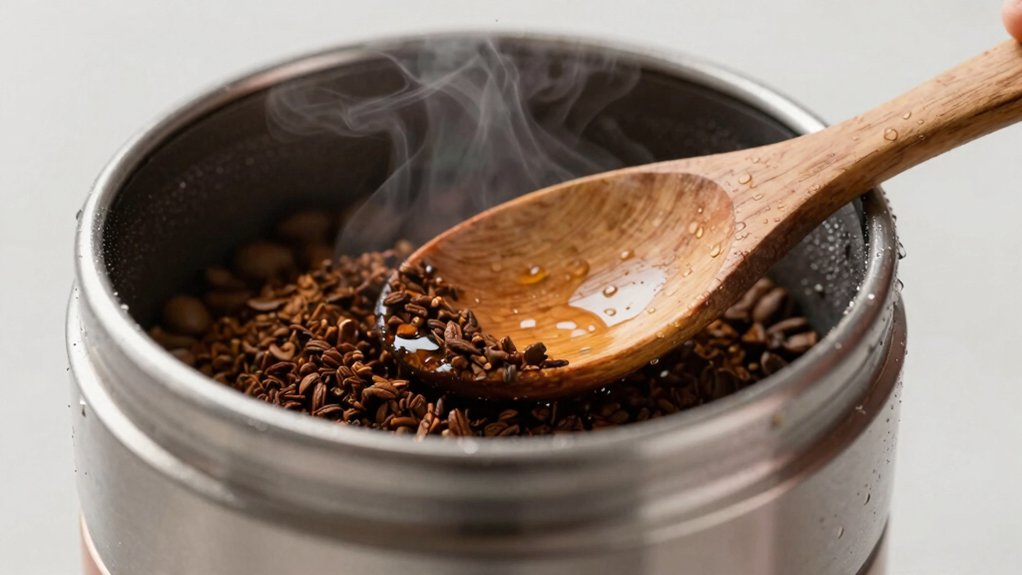
You’ll lightly wet a spoon, then stir the beans so moisture spreads evenly across each surface. USA-roasted premium beans are another option to ensure consistent flavor while minimizing static.
Evenly Distribute Moisture
Ever noticed how a tiny splash of moisture can tame the static that makes coffee grounds cling to your grinder? When you lightly dampen a spoon and stir the beans, you create a thin film of water that spreads evenly across each particle. This moisture distribution boosts conductivity, letting static charges dissipate quickly and supporting effective static reduction. The dampening approach follows the Ross Droplet Technique, using just enough liquid to neutralize static without soaking the beans.
- Dampen the spoon, then stir for uniform coverage.
- Grind immediately after moistening to preserve flavor.
- Use the method when switching beans that tend to generate more static.
Control Water Quantity
Wondering how much water you actually need? You’ll want just enough to tame static without drowning the beans. Grab a small spoon, dip it lightly, and sprinkle 2–3 drops of water onto the dose. That slight dampness creates a thin film of moisture, boosting conductivity so static charges dissipate quickly in your burr grinders. Apply the water evenly, then grind immediately; the brief pause prevents over‑wetting and keeps the burrs happy. Remember, excess water can stress the burrs and dilute flavor, so keep the spoon barely moist. By controlling water quantity, you strike the perfect balance between moisture and dryness, cutting static cling and keeping ground coffee clean and consistent.
Prevent Over‑Wet Beans
How can you keep beans from turning soggy while still taming static? Use a slightly damp spoon to add just enough moisture to beans before grinding. Lightly dampen the spoon with a few drops of water, stir briefly, then grind immediately. This method reduces static without over‑wetting, preserving flavor and protecting burrs.
- Add a few drops: Too much water creates a wet mass; a tiny amount spreads evenly.
- Stir quickly: A brief swirl coats beans uniformly, preventing clumps and static buildup.
- Grind right away: Immediate grinding stops re‑accumulation of static and keeps beans crisp.
Ground Your Grinder With a Simple Metal Hook
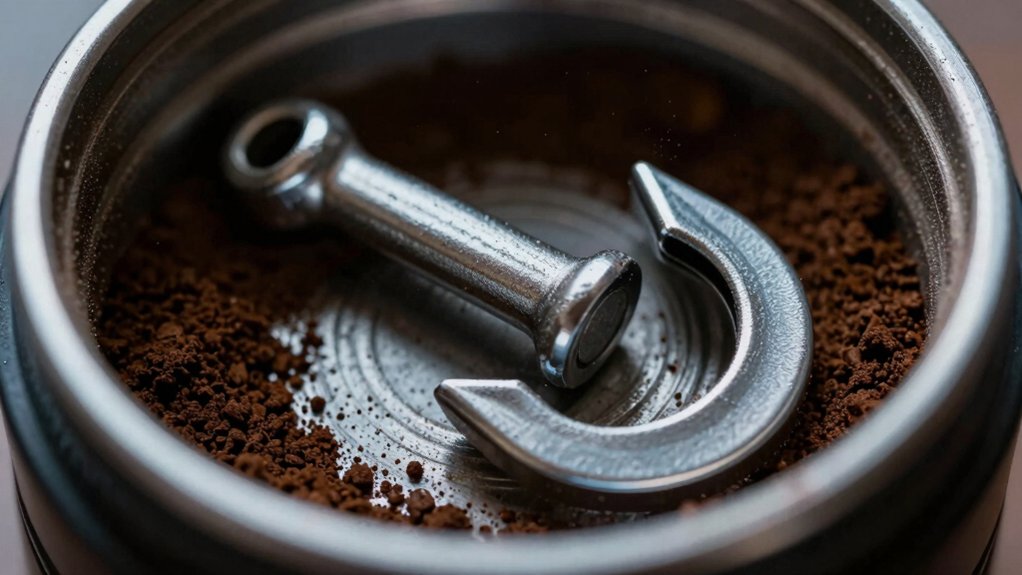
Looking to cut static on your burr grinder? You can ground it with a simple metal hook that creates a conductive path for excess charge. Attach the hook to any metal part of the burr grinder—ideally a grounded frame or a metal tray—so electricity flows away from the grind chamber. Make sure the hook never touches moving burrs or internal wiring, and keep it clear of live components. Test the setup before regular use; you should notice less clingy grounds and fewer sparks, especially when moisture is present in the beans. This grounding trick doesn’t interfere with the grinder’s operation, but always verify that it doesn’t void your warranty. Adjust the hook’s placement if you hear any odd noises, and enjoy a cleaner, static‑free brew.
Swap Plastic Bins for Metal or Foil‑Lined Collectors
You’ll notice that a metal bin conducts static away faster, so the grounds won’t cling to the sides.
If you line a plastic collector with aluminum foil, the foil creates a conductive path that neutralizes charge as the coffee falls.
Switching to either option cuts down on static buildup and keeps your grind flowing smoothly.
Metal Bin Benefits
Why settle for stubborn static when a metal or foil‑lined bin can whisk it away? A metal bin changes the charge path, letting static dissipate instead of cling to your beans. You’ll notice smoother pours and less mess when the container conducts electricity away from the grind. Grounding the bin or adding a foil lining creates a low‑impedance route for excess charge, turning a noisy, static‑laden setup into a quiet, efficient one.
- metal bin: conducts charge, cuts cling
- static reduction: fewer sparks, cleaner beans
- grounding & foil lining: quick, inexpensive path for excess electrons
Switching to a metal or foil‑lined collector gives you immediate, tangible improvement without redesigning your grinder.
Foil‑Lined Collector Advantages
A metal bin already shows how grounding cuts static, but wrapping a plastic collector in aluminum foil gives you the same benefit without swapping the whole part.
A foil‑lined collector creates a conductive surface that lets charge flow away, so you see noticeable static reduction during coffee transfer. You can line the inside of a plastic bin with a few sheets of foil, securing it with tape or a snug fit, and the foil acts as a temporary grounding path.
This low‑cost tweak doesn’t require new hardware, yet it mimics the grounding effect of a metal hopper. Expect less cling on the grounds, easier cleaning, and a more consistent dose, especially if your grinder’s design relies heavily on a plastic bin.
Select Beans That Produce Less Static
Choosing beans with higher moisture content—such as freshly roasted, locally sourced varieties—significantly cuts static buildup. Moisture helps dissipate charge, so you’ll see fewer clinging particles and less mess. Darker roast level beans tend to be drier, raising static risk, while lighter roasts retain more moisture. Switching bean variety can also make a difference; a drier decaf will spark more static than a well‑hydrated Arabica blend.
- Opt for beans roasted within the last week; they hold more surface moisture.
- Favor medium or light roast levels over French or Italian roasts.
- Choose locally sourced or small‑batch bean varieties that emphasize moisture retention.
Tap and Wait: Let Grounds Settle After Grinding
After picking beans with higher moisture, you’ll notice the static problem eases, but the next step is handling the grounds right after they’re milled. You should let the grounds settle for a brief moment before you touch the bin. A 60‑second to five‑minute wait allows charged particles to dissipate, especially with a fine grind. While you wait, give the grinder a gentle tap or shake to dislodge clingy beans without scattering them. The pause reduces static cling, and the tap helps the settled grounds fall cleanly into the container.
Different grinders, beans, roasts, and humidity levels may tweak the ideal wait time, but the basic tap‑and‑wait routine consistently cuts down on airborne spillage and static mess.
Clean Burrs and Chutes to Prevent Oil‑Based Static
Ever wondered why your grounds cling to the bin after a fresh grind? You can stop that static cling by tackling oil buildup in the burrs and chutes. First, unplug the grinder and pull out the plastic hopper; wipe its interior with a dry cloth or a coffee‑safe cleaner. Next, remove the burrs, give them a gentle brush, and rinse any residue that could charge particles. Finally, reassemble everything carefully so the burrs stay aligned and the flow stays smooth.
- Wipe the plastic hopper interior to eliminate oily residue.
- Brush and rinse burrs and chutes to remove oil buildup.
- Reassemble burrs correctly to keep static cling at bay.
Maintain Your Grinder for Long‑Term Static Control
Consistent upkeep of your grinder’s plastic parts and burr housings is key to long‑term static control. You’ll notice less cling when you scrub the grind chamber after each use, tap the hopper to shake off charged particles, and let the unit rest a minute before pouring grounds. Managing humidity—by storing beans in a slightly damp environment or using a humidifier—helps keep static at bay. Regular maintenance, including wiping oil‑laden surfaces and checking metal versus plastic components, ensures charges dissipate quickly and your brew stays clean.
| Action | Frequency | Benefit |
|---|---|---|
| Wipe plastic parts | After every grind | Removes oil, reduces static |
| Tap grinder & chamber | Immediately post‑grind | Dislodges clingy grounds |
| Wait 60‑120 s before transfer | Every session | Allows charge dissipation |
| Check humidity level | Weekly | Keeps static low |
| Inspect metal vs. plastic | Monthly | Optimizes static behavior |
Frequently Asked Questions
How to Get Rid of Static on a Burr Grinder?
You can eliminate grinder static by lightly spraying beans with water, tapping the grinder, waiting a minute before emptying, wiping metal parts, and grounding the hopper with foil or a metal tray.
How to Get Rid of Static in a Paper Shredder?
You should lightly mist the paper, keep the room humid, clean the blades regularly, spray an anti‑static solution, and avoid plastic bags—these steps will dissipate charge and stop jams.
What Causes Static in Coffee Grinders?
You get static because bean particles rub metal burrs, generating friction‑induced charge; dryer, darker beans, low humidity, and metal‑heavy grinder designs amplify the effect, making grounds cling and cling.
How to Neutralize Static Cling?
You neutralize static cling by lightly misting beans, tapping the grinder, waiting a minute before handling grounds, and optionally lining the bin with foil or using a conductive utensil to discharge excess charge.
In Summary
By keeping humidity up, using the Ross droplet, and lightly dampening your spoon, you’ll tame static in seconds. Choose low‑static beans, tap the grounds, and clean burrs regularly to stop oil‑based cling. A simple metal hook grounds out excess particles, and routine maintenance keeps the grinder humming smoothly. Follow these steps, and you’ll enjoy clean, static‑free coffee without the mess.


